Sayulita wifi situation: how good/bad is it for digital nomads?
☕ Support this blog’s honest and transparent journalism. Help us add value to what we are sharing. Keep P.S. I’m On My Way free for all by donating to our coffee fund.
Sayulita wifi is not really for digital nomads but for the past 2 years that I’ve been living here, I found solutions on how to make my lifestyle work. I really love living here so I made sure that I can live here without worrying about my job!
📬 Reader Mail: Hi Trisha thank you for your great resource about Sayulita. It really helps a lot. Thank you again! I am a digital nomad and I am highly dependent on wifi.
I would really love to live in Sayulita for 3 months but I heard a lot of bad things about Sayulita wifi. Is the Internet there that bad? I hope you can give me some tips!
– Ronald McCoy, New York, USA

Hey Ronald,
Thanks for reaching out! I’ve been a digital nomad for the past 10 years and honestly when I considered moving to Sayulita, this was one of the greatest factors that sort of hindered that decision.
Sayulita wifi is not really for digital nomads but for the past 2 years that I’ve been living here, I found solutions on how to make my lifestyle work.
I really love living here so I made sure that I can live here without worrying about my job. This Sayulita wifi guide will tell you everything you need to know about being a digital nomad in Sayulita.
If you ever decide to come, you know where to find me! I would love to meet you! Send a direct message on Instagram!
Xx,
Trisha
Is Sayulita wifi good enough for remote workers?
When I first came here, I already knew that Sayulita wifi sucks but I pushed through anyway because I really love this town.
I was living in a hostel for the first 5 weeks and nothing worked. The wifi is really really really slow. Of course, hostels are always full of people but the problem here is that they do not install higher-grade wifi because everyone’s out all the time anyway. Sayulita is a very active town and everyone’s always out and about.
From the morning surf to the crazy Sayulita nightlife, if you stay in a hostel, you will barely see people staying in.
The average Internet speed in Sayulita is 11 MBPS. When I was living in a hostel with wifi that doesn’t really work, I decided to go to cafes every day.

Sometimes, living in paradise as a digital nomad is rather costly.
This town has lots of cafes and I’ve tried them all but not all of them met the productivity level that I need daily. The annoying thing with my routine is that when the Internet is slow, I lose all my enthusiasm to work. Like really, I’d rather not work than wait for a page forever.
And so, in those 5 weeks that I lived in the hostel, I only had 1 productive day per week. The rest of the days, I was just pretending to work so I will feel good about myself but really, with the Internet situation in Sayulita, I will admit to myself that I did not accomplish a lot of things.
90% of Sayulita cafes use Telmex as a provider. Telmex has different Internet plans. Their packages start at 20 MBPS and the highest is 200 MBPS. But since Sayulita’s infrastructure is not equipped for higher-grade Internet, cafes, hostels, and hotels can only avail of the lowest and most basic plan which is 16 MBPS.
See the complete guide to Sayulita for similar content like this
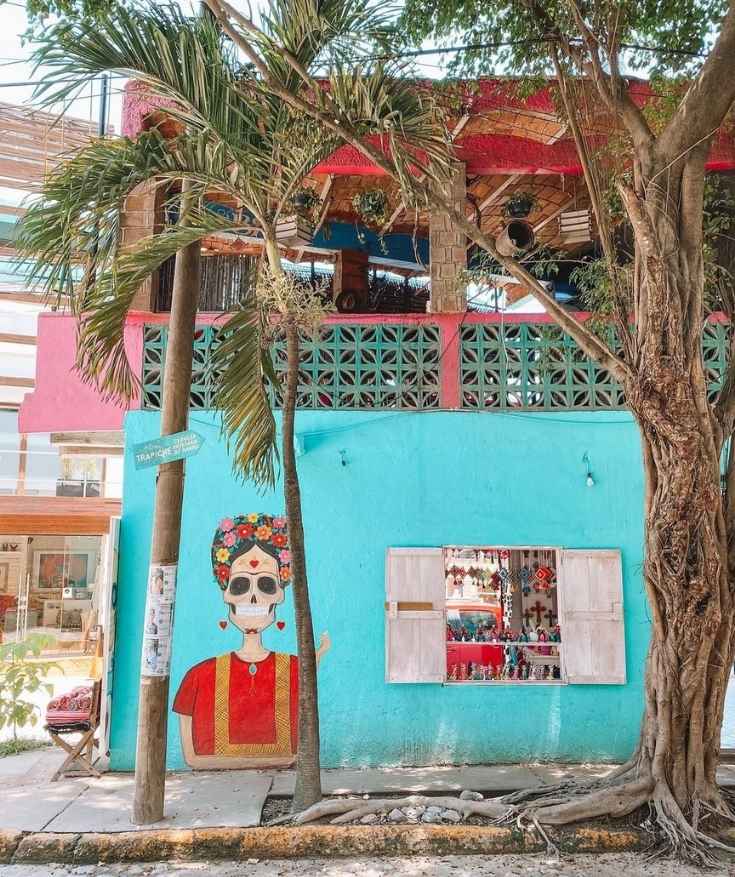
You will also come across cafes with no Wifi because Telmex’s satellites in Sayulita cannot afford to provide the Internet for all.
Their connection and cell towers are limited but this does not mean that it is a shitty provider. In big cities like Guadalajara, Mexico City, and Puerto Vallarta, the 16 MBPS Telmex plan is super fast and efficient.
Remember that Sayulita is a small town of jungles, beaches, and mountains. It will take years to improve the infrastructure here.
More Mexico digital nomad destinations that you may like:
- Is Guadalajara safe for digital nomads?
- Digital nomad guide to Guanajuato
- The digital nomad life in La Paz, Baja California Sur
- The digital nomad guide to Mazunte, Oaxaca
- Life as a digital nomad in Merida, Yucatan
- Mexico City digital nomad guide
- The digital nomad guide to Oaxaca City
- The digital nomad life in Playa del Carmen
- Puerto Escondido Digital Nomad guide
- Is Puerto Vallarta the best digital nomad destination?
- Sayulita digital nomad guide

Everything you need to know about Sayulita wifi and Internet connection
What I do as a digital nomad
Known as a very laid-back town, Sayulita is not really the first place you’ll think to live in, especially if your job is highly dependent on the Internet.
However, it really depends on the type of work that you do. Being a digital nomad entails a lot of work. We don’t always do the same tasks.
In this section, I will tell you what I do as a digital nomad daily. I will also include my productivity and the time it takes for me to do each task. This way, you will have an idea of how the Internet speed is.
WordPress: updating my blog daily
If you are a blogger, you probably use WordPress as your blog post platform. I use WP every day and Sayulita wifi speed is “tolerable” when it comes to this tedious task.
I would say it takes me 2- hours to format (not to write) a blog post. There’s a little connection lag but I am happy with it even if it’s not super fast.
I’ve experienced small towns like this in Mexico where WordPress won’t open at all so I can say that wifi in Sayulita is pretty fair for WordPress users.
Uploading videos on Youtube or Facebook
How this one, takes a lot of time. I did not touch my Youtube channel for 6 months because I just gave up on the upload time!
I tried different places in Sayulita to upload videos on Youtube and Facebook. This is the bulk of my work as I also run a video production company in Sayulita.
A 3-minute video upload on Facebook takes 5-6 hours. For Youtube, it can even take 24 hours. I can’t even send a 780p basic video on WeTransfer to send to my clients. Sayulita wifi is definitely not for uploading videos.
I even had an experience where I asked the cafe to extend their opening hours for me or at least allow me to be inside until the upload is done.
It was so stressful! Of course, this speed will work if you have a lot of time but for me, I didn’t want this to be my normal workflow.
I need to maximize my days so I really tried hard to find a better solution to this problem. More on that later!

Meetings/Conference calls
It really depends on what app you use. When I am chatting with friends and family (groups of 10 or more), I always use Facebook Messenger because I find it to be way faster than Whatsapp.
I had many successes in Zoom calls with clients but there are times when I had to turn off my video (and ask the other end to do the same).
Recommended: The unfortunate truths of starting your own business

If it’s just an audio call, Zoom works perfectly with no interruptions. I also had to record some Zoom calls with the past (with videos).
It worked out fine while I was recording but when I saw the imported video, it wasn’t complete and it had green lines in some of the clip duration.
I am not sure if this is Sayulita’s Internet connection or just the Zoom app. But this happened to me more than once!
Uploading Instagram stories
I do not only upload Instagram stories for myself but I do it for the clients as well. I don’t know if you notice but Instagram stories really take a lot of data.
It always works for me with the normal Telmex Internet connection, about 30-40 seconds upload for each story. The way that I upload stories on my Instagram is in story sequences of 4-5 clips every morning and another set in the evening.
Read: Top 17 websites to use for finding remote jobs

Sometimes, I get an ‘upload failed’ notification which breaks the sequence of my stories. With this, I always use my Telcel data whenever I am uploading Instagram stories.
It’s faster and it’s guaranteed that my sequence will not be broken. More on the sim card later! If you’re only uploading individual stories, one at a time, Sayulita wifi speed is definitely tolerable.
🎁🎉 Bonus: Use the code PSIMONMYWAY10 upon checkout to get a 10% discount on all local things to do in Sayulita!
How I managed to live 2 years in Sayulita as a digital nomad
When I finally started living here full-time aka leaving the hostel and actually renting an apartment, the house I found already had a Telmex Internet installed so I did not have to do that myself.
If you want to rent long-term in Sayulita, Wifi is always included so you don’t have to apply for it yourself. The problem is I wanted to have a better Internet connection.
First, I went to Sayulita CoWork
Since I was new to Sayulita, the goal was not only to find a better solution for my digital nomad survival but also to connect with fellow digital nomads in Sayulita.
Sayulita CoWork was then the only co-working space in town so everyone went there. The office is very basic with 6 private cubicles for those who are renting the space long-term.
There are 2 big tables for sharing for those who are only availing of the daily passes. This space is not really like the design-savvy co-working spaces we know of – this one is really basic.
There is also very minimal natural light in the space which was a no-no for me. My productivity is very dependent on the light!
I signed up for a one-month common area package which cost $1,800 MXN ($87 USD). Their wifi is so fast and they are the main fiber optic provider in Sayulita.
Meaning, you can have their Internet connection in your own home! Sure, I did not find the space comfortable but for that full month that I bought a subscription, I was able to see and meet different people every day. I even became close friends with a couple’s travel from Ireland! It was really a place to know my neighbors.
However, I found myself eating out every day since I was working at Sayulita CoWork from 9:00 – 18:00. They have free coffee and water included in the package but that’s about it!
What’s next after Sayulita? Visit Puerto Vallarta
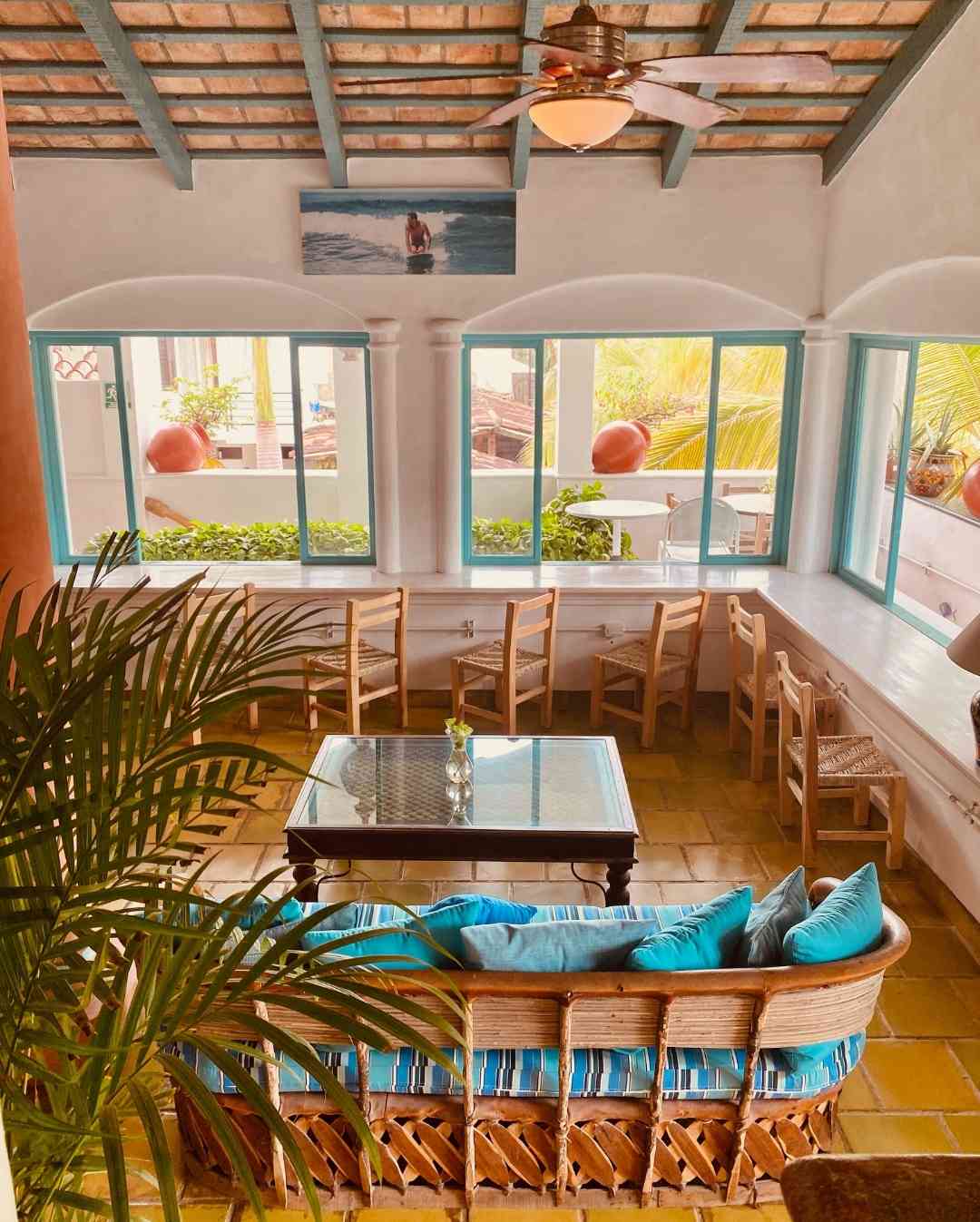
You will still need to spend an extra $5-10 USD for food. I calculated my monthly subscription plus the extra daily expenses and I realized I was spending an additional $240 USD per month.
Continuing with my experiment on a better Internet connection in Sayulita, I contracted Sayulita Cowork to install their fiber optic wifi services in my home.
Before we move on to that, I would like to inform you that Selina opened in Sayulita this year. Selina is a hostel chain that brands itself as a digital nomad hostel.
I’ve stayed in many Selinas in Peru and Colombia but not in Mexico. They have the same business model so I am sure that their wifi works well for remote workers.
I just want you to know that I have not tried Selina Sayulita’s co-working space so I cannot recommend it. I’ve been told that it’s also slow but if you ever get to try it, let me know!
Sayulita fiber-optic wifi home installation
I’ve lived in many cities all over the world and wifi is always part of my budget. Since I realized I was spending a lot on going to the co-work, I decided to work from home full-time.
I also love cooking my own food so those unnecessary food expenses did not work well for me.
I inquired about the cost of fiber optic wifi in Sayulita and it was a lot more than I thought. First, I needed to pay for the equipment (satellite dish, modem, etc) for a one-time fee of $10,000 MXN which is $500 USD at the time.
The good thing is that they allowed me to pay in 2 parts so it wasn’t that heavy at all. But it’s still a lot because they sell you the equipment – they don’t really take it back after your contract is over.
However, the monthly fee for the home internet is the same as what I paid for a monthly subscription at Sayulita CoWork. In all ways, having it at my personal home is still the cheapest option.
FYI, you only pay $1,800 MXN ($87 USD) per month for your Sayulita wifi at home if you are paying cash. If you are paying via credit card or recurring payment on Paypal as I do, there is a 16% IVA. My monthly bill for Sayulita wifi is $2,000 MXN, about $100 USD.
The speed is flawless and I never had to go to a cafe and spend extra! I used Sayulita wifi for over a year and never had any problems.
Unfortunately, they’ve been having problems since October 2020. There is a new fiber-optic wifi company in Sayulita that is installing cell towers all over town, thus, interrupting the signals of Sayulita Cowork’s wifi.
I believe they are currently not accepting new installations/applications. If you want more information on this, send me an e-mail and I can definitely help you!
Telcel data/hotspot
When I first came to Sayulita, I was using AT&T as my mobile data provider but only Telcel works well in Sayulita. Buy a sim card in Mexico because it will be very helpful for you.
Telcel has better coverage all over Mexico, more so, in small towns like this. I’m not on a postpaid plan as you need to be a permanent resident to do that but the prepaid plan is equally efficient.
I only pay $200 MXN ($10 USD) a month for unlimited data and calls. Instagram and Facebook are also free in this plan.
In case of emergency, I use my Telcel hotspot but I have to reload more than $200 MXN if the “emergency” is frequent.
Portable wifi device
I also have a Universal portable wifi device that works everywhere in the world. I just need to reload it, turn it on, and it works in every country I go to.
Though I do not use this at home often, this is my go-to device when I am traveling. This way, I don’t need to buy multiple sim cards when I am traveling to different countries.
I am freaked when there is no Internet so it’s always good to have a backup that works!
Problems I came across with Sayulita’s Internet connection
Sayulita, being a very young town is still a long way to improving its infrastructure. There is a lot of power outages during the rainy season (August – October) so the electricity goes on and off.
Seriously, I’ve never experienced that frequent blackout in my life.
The worst part is, sometimes, it goes on and off every 2 seconds which can totally f*ck up your gadgets. I have a desktop at home so I make sure that all my gadgets are plugged in a surge protector.
They were not cheap, I tell you, but they are definitely cheaper than a new computer!
I just said goodbye to my 2-year old Macbook Pro 4 months ago because it got toasted by the frequent blackout.
A surge protector at Walmart or Chedraui is around $400 MXN ($20 USD) so it’s cheaper to have it for all your devices! I even bought one for my fridge and TV!
Another problem I came across Sayulita as a digital nomad: when your wifi is out, the whole town’s wifi is out.
I’ve had emergency calls in the past have asked all my friends around town who have the same wifi as I have and each time my Internet is fcked, theirs is also fcked.
I had to use my Telcel hotspot most of the time when this happens.
Best digital nomad accommodation in Sayulita (100 MBPS fiber-optic)
As a digital nomad myself, I designed my Airbnb listing to be fit for remote workers. There are almost no Airbnbs in Sayulita that have fiber optic wifi (Internet here is a problem) and this is the reason why many digital nomads leave Sayulita.
With this, I made sure to achieve my vision of helping digital nomads stay in our pueblo!
Private parking, fiber-optic wifi, and AC.[Update]: Cell towers on our street are currently being repaired so I will have the fiber optic wifi update on the first week of February.
We still have a second router (regular Telmex) that you can use. It is decent but it’s not as fast as our fiber optic connection.
I’m a digital nomad and that speed is quite fair for me. All Airbnbs in Sayulita has the same Telmex connection. I hope to restore my fiber-optic wifi soon!
If you found my Airbnb listing through my blog, please get in touch via e-mail or Instagram so I can give you discounts! You can use my contact page to get in touch.
✈️ Ready for your trip to Sayulita? This blog thrives on reader questions so feel free to leave a comment below if you need more information about Sayulita wifi or digital nomad life!
🤳 Follow this adventure: INSTAGRAM | FACEBOOK | YOUTUBE | PINTEREST | TWITTER